
Sympheny EnyFlow Framework for Advanced Problem Solving and Visualization
Sympheny EnyFlow is a dynamic and comprehensive solution that combines energy planning, advanced problem-solving capabilities, and visualization within a Jupyter Notebook environment, while directly leveraging the capabilities of the Sympheny Web Application and API.
EnyFlow lets you:
-
Connect to Sympheny via API
-
Build custom workflows and analyses in notebooks
-
Automate and document advanced planning and optimization tasks
-
Visualize and share results interactively
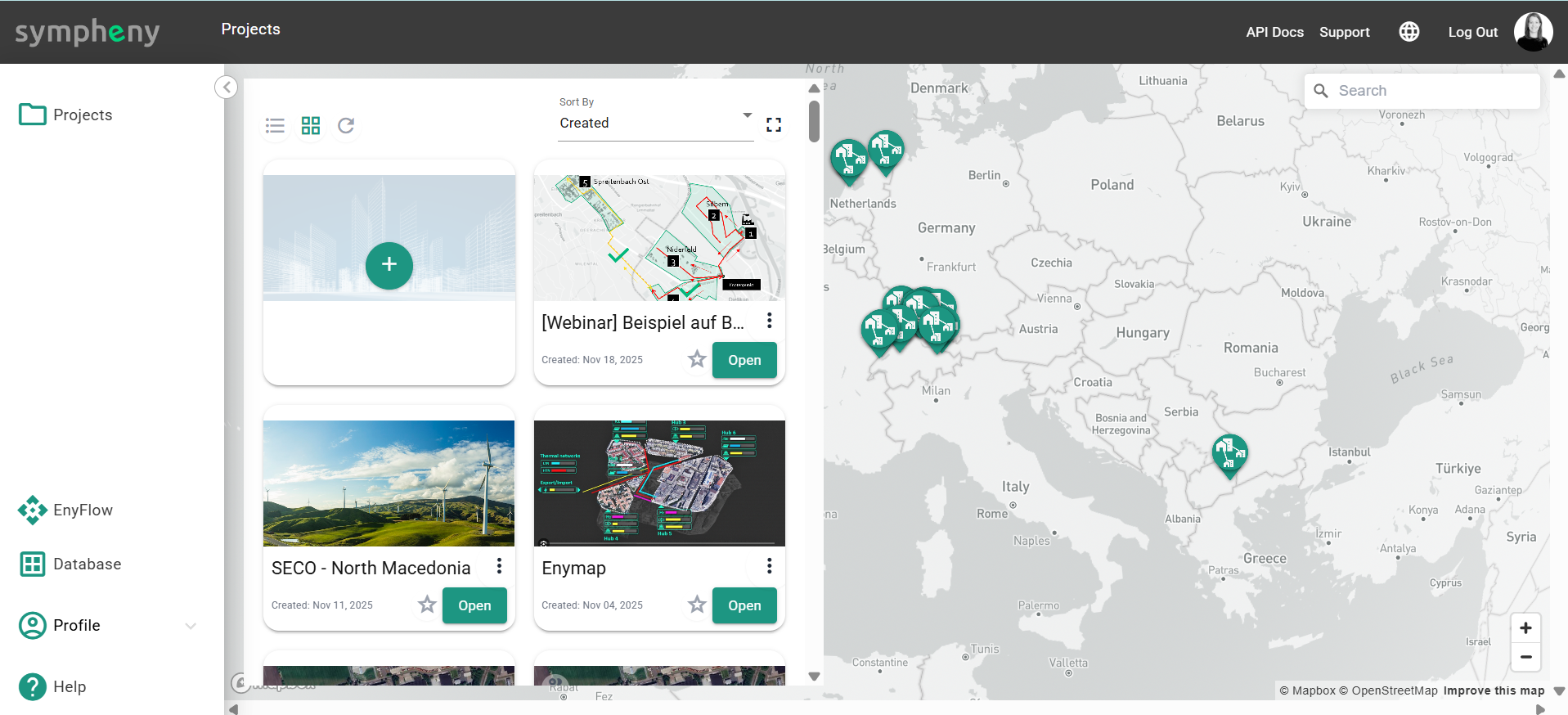
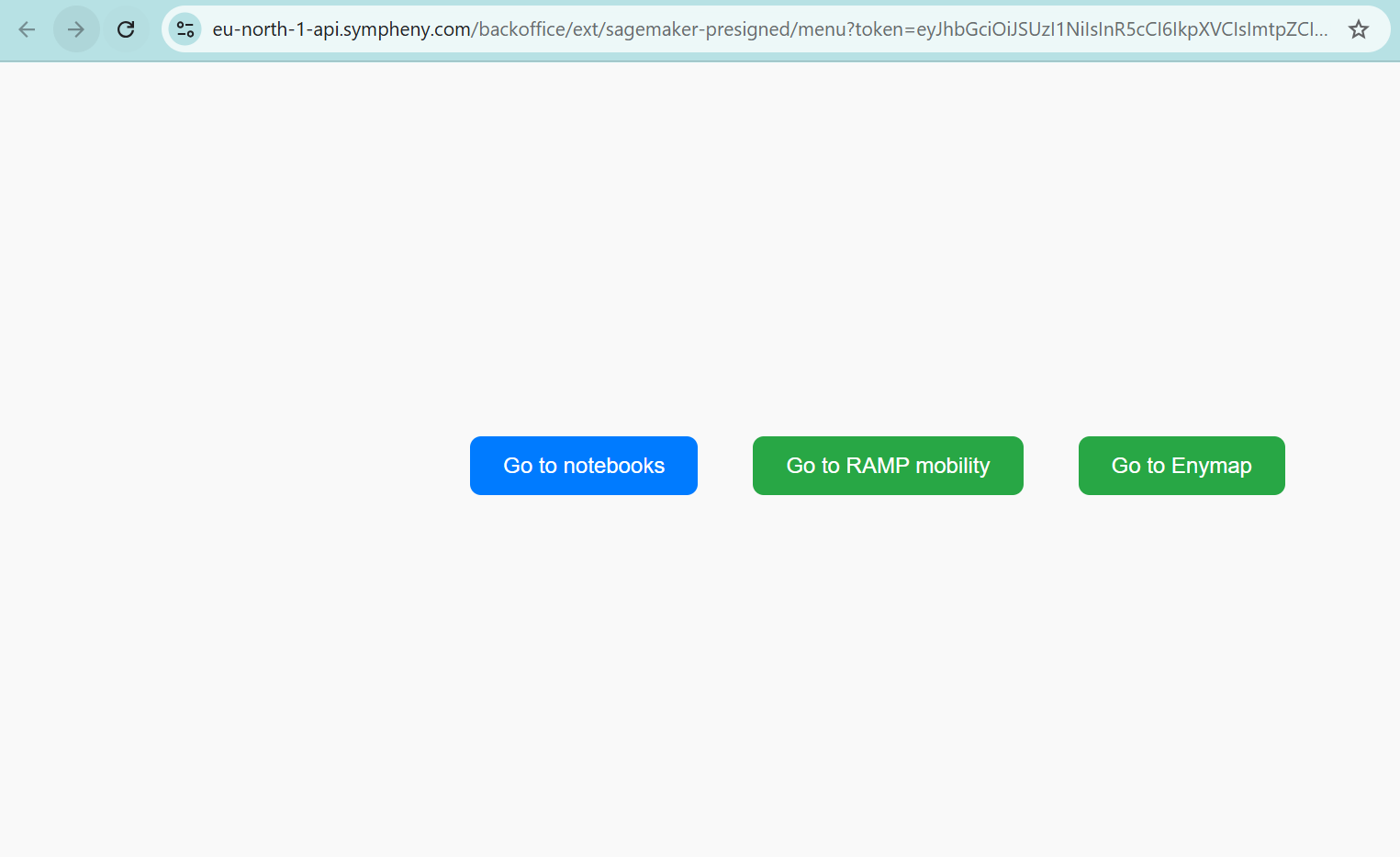
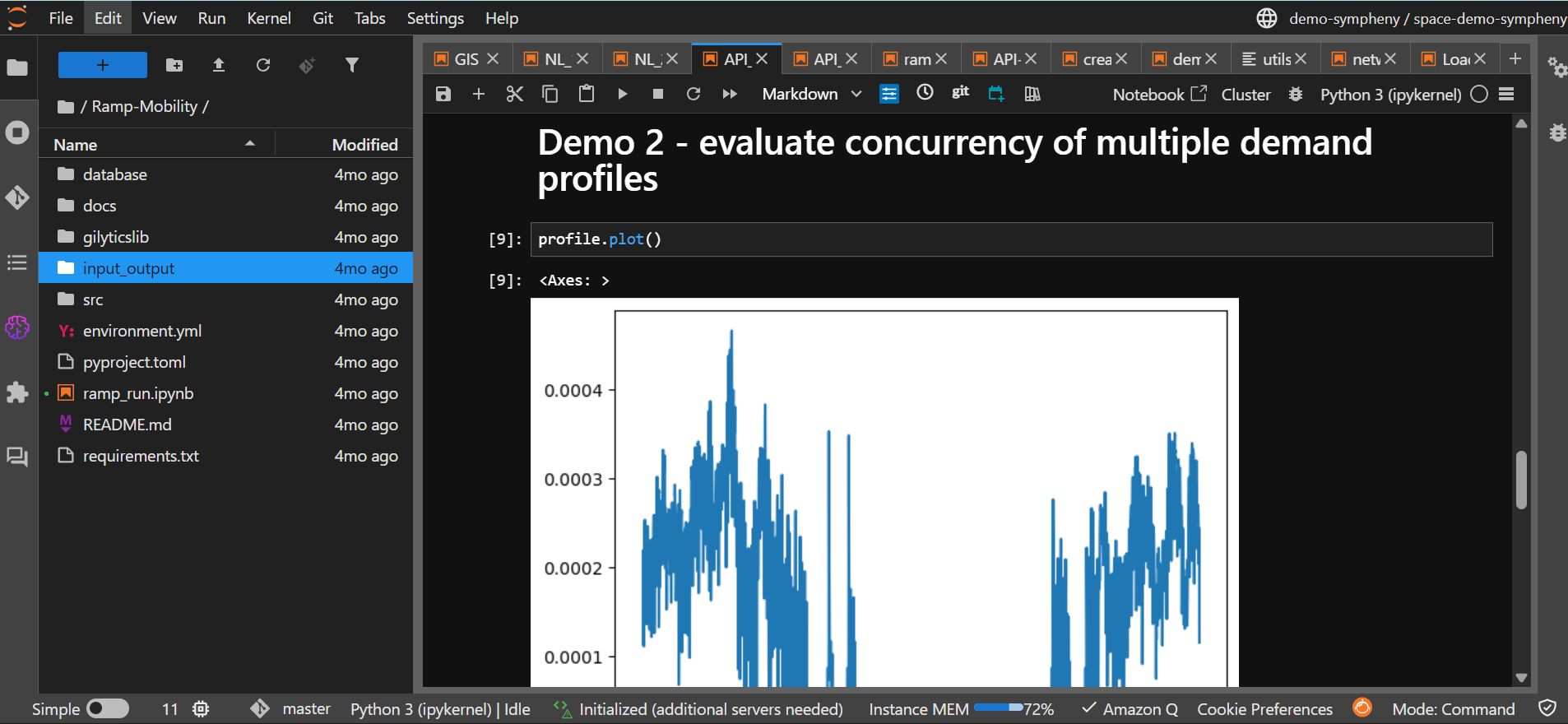
1.1 Key features and advantages
Advanced problem solving
EnyFlow supports energy planners in solving complex problems. You can combine Sympheny’s optimization capabilities with your own models to:
-
Analyze multi-energy systems
-
Optimize resource allocation and operation
-
Evaluate renewable integration strategies
-
Design and assess sustainable energy scenarios
Data visualization
EnyFlow allows you to create interactive and visually clear:
-
Charts and graphs
-
Tables
-
Maps and dashboards
These help you explore energy data, interpret optimization results, and communicate findings to stakeholders.
Customized workflow integration
You can integrate your own:
-
Algorithms and models
-
Simulation tools
-
Data processing and cleaning pipelines
-
Optimization routines
All within the same notebook, alongside calls to the Sympheny API. This lets you adapt EnyFlow to your specific use cases and leverage your existing intellectual property.
Comprehensive energy planning support
Using EnyFlow together with the Sympheny API, you can support a broad range of tasks, such as:
-
Load and demand forecasting
-
Demand response and flexibility analysis
-
Renewable energy integration studies
-
Infrastructure and network planning
-
Scenario comparison and sensitivity analysis
Collaboration and reproducibility
Because EnyFlow is based on notebooks (Jupyter / Colab):
-
Analyses are fully documented as code + text + results
-
You can share notebooks within your team (via Git, shared drives, or Colab links)
-
Results can be reproduced reliably by rerunning the notebook with the same inputs
Efficiency and scalability
EnyFlow can be run:
-
Locally on your machine
-
In the cloud (e.g. via Sympheny interface in SageMaker, via Colab or other Jupyter services)
This allows you to scale up to larger problems, use more powerful hardware, and integrate parallel / distributed computing when needed.
Continuous innovation and support
EnyFlow is designed to evolve with new methods and best practices in:
-
Energy system optimization
-
Data analysis
-
Visualization and reporting
By combining the Sympheny Web Application, the Sympheny API and EnyFlow notebooks, you gain a flexible and future-proof environment for energy planning.
2. Using the Sympheny API with EnyFlow – Overview
Whether you work in Google Colab or in the Sympheny EnyFlow Jupyter framework, the general pattern is the same:
-
Get your Sympheny API credentials
-
Configure your notebook (Colab or Jupyter)
-
Call the Sympheny API (e.g. to load projects, run optimizations, retrieve results)
-
Analyze and visualize the results using EnyFlow tools